Home / Blog / Best Shopify Apps for Small Ecommerce Brands in 2026
Discover the best Shopify apps for small businesses to improve marketing, manage product reviews, enhance customer support, automate tasks, and boost store performance. Learn how to choose the right apps, reduce costs, and grow your Shopify store efficiently.
21 Oct, 2026
The best Shopify apps for small businesses are the ones that solve one specific problem in your store, not the ones with the longest feature list. Most small stores need a handful of apps covering email, reviews, search, support, and returns. Everything else can wait. This guide groups apps by the job they do, explains how to choose between them, and shows how to avoid the slow, cluttered store that comes from installing too much too early.
Start with the problem, then look for the app. "We need more repeat purchases" is a problem. "We need a loyalty app" is a guess at the solution.
Before installing anything, check four things:
Also check whether Shopify already offers the feature natively. Shopify's own apps and built-in tools cover more than many merchants expect, and a native feature is usually one less third-party script to maintain.
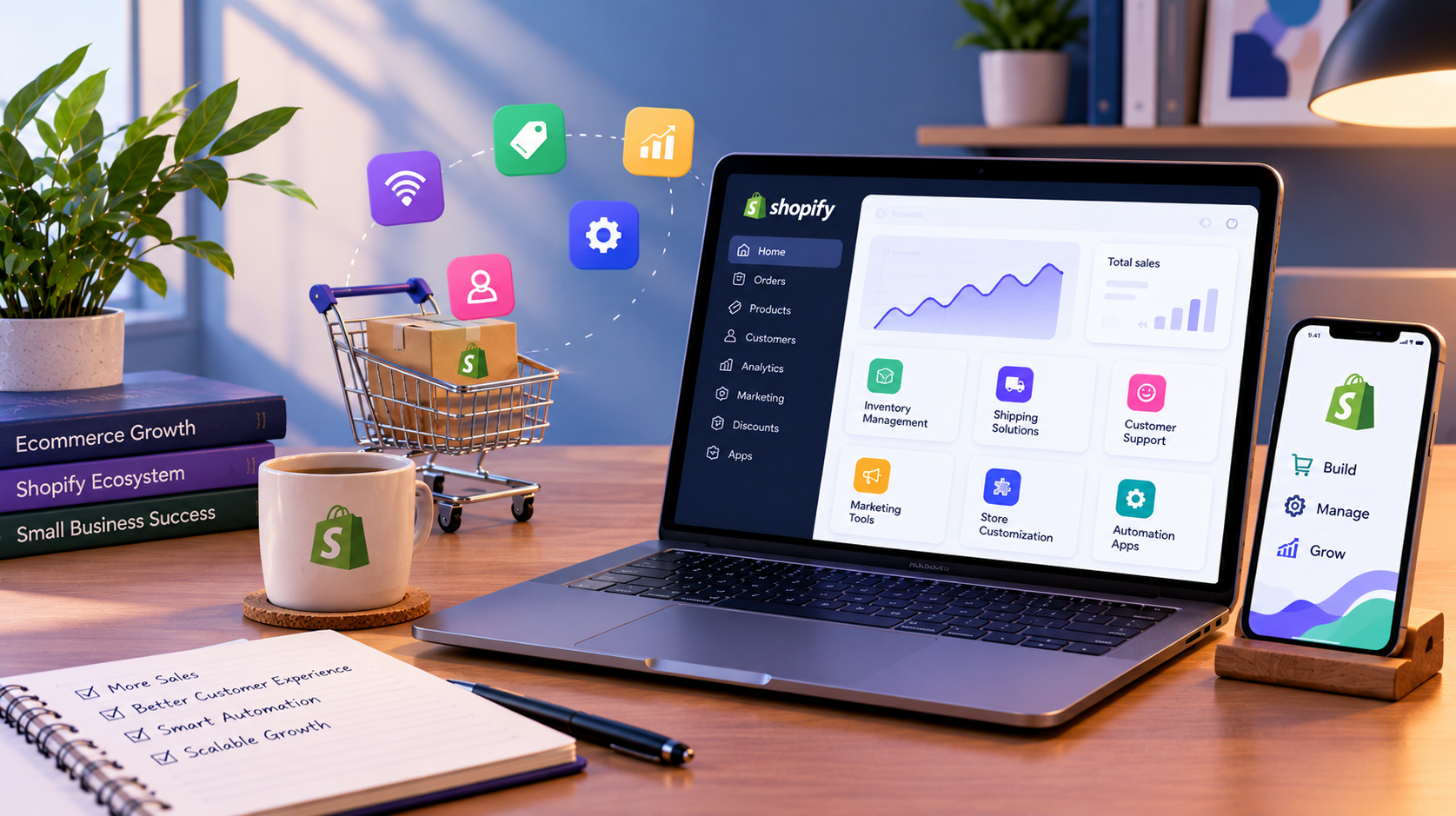
The examples below are widely used options in each category, not a ranking. Features, plans, and pricing change, so confirm current details on each app's listing before you commit.
Email is usually the first app category worth paying for, because it works on customers you already have. Klaviyo is a popular choice for stores that want to segment customers by behaviour and run automated flows such as welcome series and abandoned cart emails. Shopify Email is Shopify's own tool and a reasonable starting point if you only need straightforward campaigns. Omnisend is another option that combines email and SMS.
Choose based on how much segmentation you will actually use. A store with a few hundred customers rarely needs advanced logic on day one.
Shoppers look for reviews before buying from a brand they do not know, so reviews carry more weight for a small store than for an established one. Judge.me, Yotpo, and Stamped are common options. Compare how each displays reviews on product pages, how it handles photo reviews, and whether review content is added to your pages in a way search engines can read.
Shopify's own Search & Discovery app lets you manage filters, search behaviour and product recommendations. For many small catalogues, that is enough. If your catalogue grows into hundreds of products with many variants, a dedicated search app such as Searchanise may be worth testing against what you already have.
A small team can get far with a shared inbox and clear email templates. When volume grows, a helpdesk such as Gorgias brings customer messages and order context into one place. Do not add a helpdesk or live chat tool to a store that receives a few messages a week.
If returns take up noticeable staff time, an app like Loop Returns can structure the process and offer exchanges as an alternative to refunds. Look at how it handles your return policy rules before assuming it fits your workflow.
For products people reorder, such as consumables, Recharge and Shopify's own subscription tooling are the usual places to start. Subscriptions affect checkout, customer accounts and email flows, so plan these together instead of bolting them on later.
Matrixify is often used for importing, exporting and updating products, collections and other store data in bulk. It becomes useful when you manage more than a few dozen products or are moving data between systems.
Shopify Flow can automate routine store tasks, such as tagging orders or notifying a team when inventory drops. Where a process spans several tools outside Shopify, such as a CRM, an accounting system, and a support desk, custom workflow automation may fit better than stacking more apps. The business process should be mapped first and the tool chosen second.
For a small store with limited time and budget, a sensible order is:
This order is a starting point, not a rule. A store selling a replenishable product may reasonably prioritise subscriptions earlier. A store with a very small catalogue may not need a search app at all.
Many stores accumulate apps over time. Review yours every few months:
Also consider how your product information is structured. Clear product titles, descriptions, specifications, and structured data help search engines and AI assistants understand what you sell. No app guarantees visibility in AI search results, but well-organised product content gives you a stronger base.
Apps are good at common problems. They are weaker when the requirement is specific to your business: a custom product configurator, a particular checkout rule, an integration with a system the app store does not cover, or a theme that has accumulated so many patches that it is slow and hard to maintain.
At that point, the choice is often between adding another app, having a developer build a targeted customisation, or rebuilding part of the store. That is a decision about your store's structure, not a shopping decision. A team offering Shopify development can review what is installed, what is slowing the store down, and which needs are better handled in the theme or through custom work.
This is where 10turtle's free audit can help. It reviews areas such as performance, conversion, accessibility, SEO, and automation opportunities, and ends with prioritised improvements. For a Shopify store, that can show whether your current app set is helping or getting in the way. Because 10turtle supports both new builds and rebuilds of existing stores, the recommendation can be to keep what works, fix what does not, or start fresh where the current setup is holding the business back.
What are the best Shopify apps for a small business just starting?
Start with an email marketing app, a product reviews app, and whatever you need for your specific products, such as search or returns. Use Shopify's built-in features first. Add apps only when a real problem appears, because every app can affect store speed and add recurring cost.
How many Shopify apps is too many?
There is no fixed number. What matters is what each app loads on your storefront and whether it solves a clear problem. Ten well-chosen apps can perform better than four heavy ones. Measure page speed before and after each installation and remove apps you no longer use.
Do Shopify apps slow down my store?
They can. Many apps add scripts or styles to your storefront, and each adds some load. The effect depends on the app and how it is coded. Test on a duplicate theme, compare speed before and after, and remove apps that add weight without clear value.
Are free Shopify apps good enough for a small business?
Often yes, especially early on. Free tiers and Shopify's own apps cover basics like email, search, and discovery. Check usage limits, since free plans commonly restrict contacts, orders, or features, and costs can rise as your store grows. Review pricing on the current app listing.
Should I use an app or custom development?
Use an app when the need is common and a well-supported option exists. Consider custom development when your requirement is specific to your business, when apps overlap or conflict, or when the theme has become hard to maintain. A technical review can clarify which route fits.
Browse
Resources