Home / Blog / Ecommerce Platform Selection: Matching Platform to Business Model
Choosing the right eCommerce platform depends on your business model, budget, product range, and growth plans. This guide explains how to compare eCommerce platforms based on customization, payment options, inventory management, scalability, and ease of use, helping businesses select a solution that fits their needs and supports long-term growth.
15 Oct, 2026
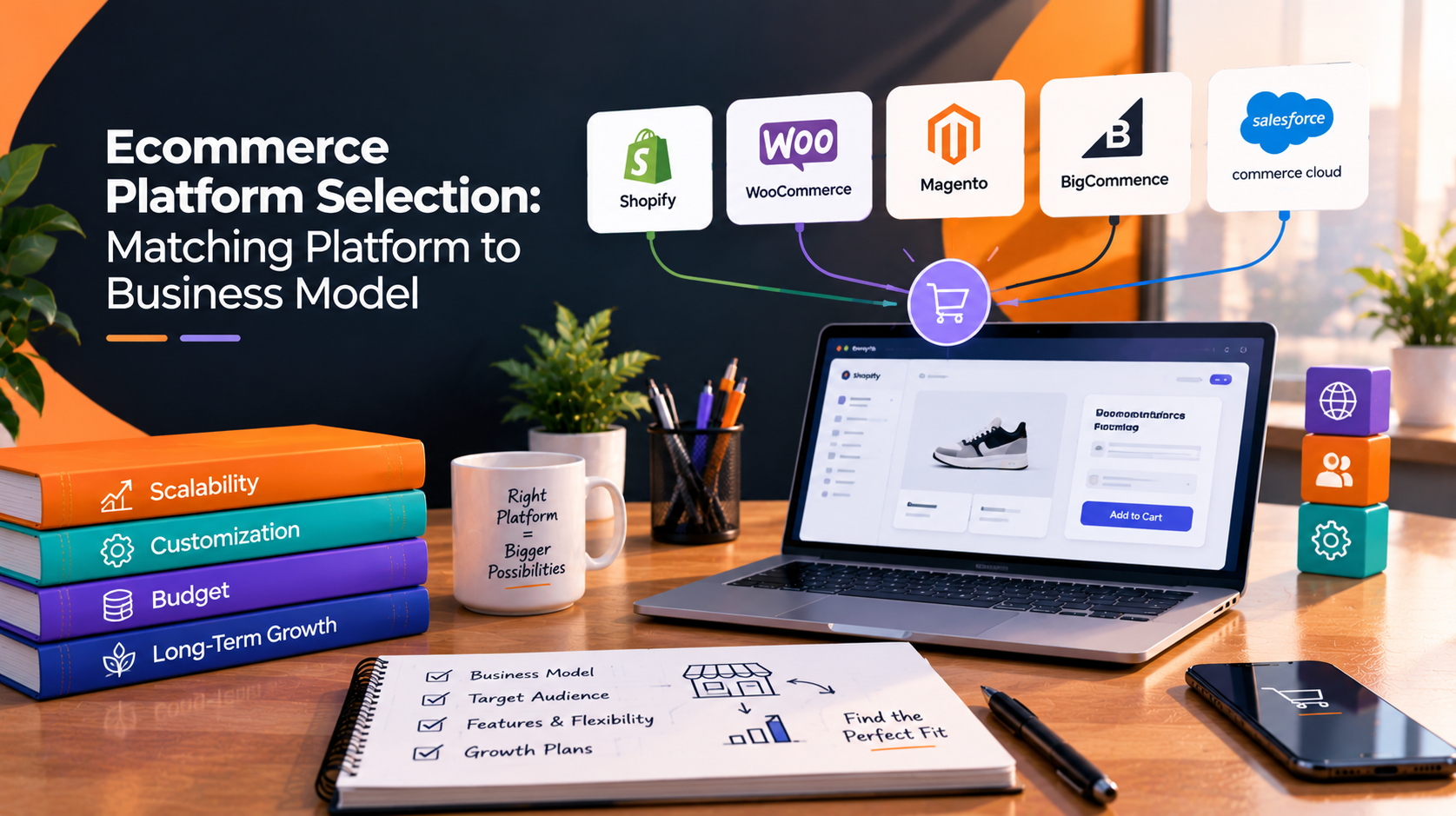
Most platform comparisons start with a feature list and end with a winner. That order causes problems. The platform that suits a ten-product brand selling direct is rarely the one that suits a wholesaler with negotiated pricing. Ecommerce platform selection goes better when you start with how your business actually sells, then check which platform handles that model with the fewest workarounds. This guide covers the common business models, how Shopify, WooCommerce, Webflow, Wix, Squarespace, and custom builds fit each, and what to ask before you commit.
Every platform can list products and take payment. The differences show up when your selling model has its own rules. Before looking at any platform, write down answers to these:
The last question gets skipped most often. A store that needs a developer for every small change will cost more over time than one your team can run itself, even if it looks cheaper at launch.
Platforms fall into four groups, and the group matters more than the brand name.
Hosted platforms such as Shopify, Wix, and Squarespace run hosting, security, and core updates for you. You configure the store, choose a theme, and extend it with apps. Launch is usually faster, and the limits are set by the platform.
Self-hosted platforms such as WooCommerce run on WordPress. You or your development partner manage hosting, updates, security, and performance. In return, you get wide flexibility through plugins and custom code.
Design-led builders with commerce, such as Webflow, give you tight control over layout and content. Their ecommerce features tend to suit brand-led stores with focused catalogs. Check current product, checkout, and customisation limits before committing.
Custom builds are made around your own logic. They fit unusual requirements, and they put the full cost of building and maintaining the system on you.

A hosted platform commonly fits here. Shopify is a frequent choice because checkout, payments, and apps are well established. If brand storytelling and layout control matter more than catalog depth, Webflow is worth comparing. For a very small catalog, Squarespace or Wix can be enough.
Many variants, filtering needs, and detailed product attributes put pressure on the platform. Shopify with the right apps and WooCommerce both handle large catalogs, but you should test variant limits, search, and filtering against your real product data. A site builder is rarely the right base here.
Wholesale selling usually needs customer-specific pricing, account approval, minimum orders, quote requests, or invoice terms. Some platforms offer these natively on certain plans, and others through apps or plugins. WooCommerce offers a lot of flexibility. If the store must tie closely into an ERP, a custom or heavily integrated build may be the cleaner route.
Recurring billing depends on payment gateway support and the subscription tool you choose. Shopify and WooCommerce both have mature subscription options through apps and extensions. Test the customer experience for pausing, skipping, and updating payment details, since that is where subscription stores lose customers.
If articles, guides, or editorial pages drive sales, the content system matters as much as the cart. WooCommerce on WordPress and Webflow both suit teams that publish often and want products sitting inside that content.
Standard store builders are designed around one seller. A marketplace with several vendors, commissions, and vendor payouts usually needs WooCommerce with multi-vendor extensions or a custom build. Treat this as a different category of project, not a store with extra settings.
If you are validating demand, speed matters more than long-term flexibility. A hosted platform lets you launch and learn. Just avoid building heavy customisation on a platform you may outgrow.
Features change often, so confirm current capabilities in each platform’s own documentation before you decide.
The subscription or licence fee is only one line. Also account for hosting, themes, paid apps or plugins, payment and transaction fees, developer time for changes, security and update work, and the effort of keeping integrations running. A hosted platform may cost more in monthly fees and less in maintenance. A self-hosted platform may reverse that. Compare proposals on total ownership across the first two years, not on the launch price alone.
A platform decision is easy to reverse on paper and expensive to reverse in practice. Moving a live store means mapping products, customers, and orders, setting redirects, and protecting search visibility. If you are building from zero or rebuilding an existing store, a short assessment before committing usually costs less than a migration later.
This is where 10turtle’s work in e-commerce development applies. The team works across Shopify, WooCommerce, Webflow, Wix, and Squarespace, so the recommendation can follow your business model rather than a preferred tool. Because web, branding, and AI automation are handled by dedicated specialists under one accountable partner, store design, brand consistency, and workflow automation for orders or customer follow-up can be planned together instead of across separate vendors.
There is no single best option. A small business with a focused catalog and standard checkout often does well on a hosted platform such as Shopify, Wix, or Squarespace, because setup and maintenance are lighter. Choose based on how you sell, how much you expect to grow, and who will maintain the store.
It depends on who manages the store and how custom the selling model is. Shopify is hosted, so the platform handles hosting and core updates. WooCommerce runs on WordPress and gives more control, along with more responsibility for hosting, security, and updates. Compare total ownership effort, not only features.
A custom build fits when the selling model depends on logic that platforms cannot handle without heavy workarounds, such as unusual pricing rules, deep ERP integration, or marketplace behaviour. It carries higher build and maintenance responsibility, so test whether an existing platform with extensions can cover the requirement first.
Yes, but a migration needs planning. Products, customers, orders, redirects, and SEO elements must be mapped and tested. Choosing a platform that fits your next stage of growth reduces the chance of an early move. If your current platform no longer fits, a replatforming assessment is the sensible first step.
Browse
Resources