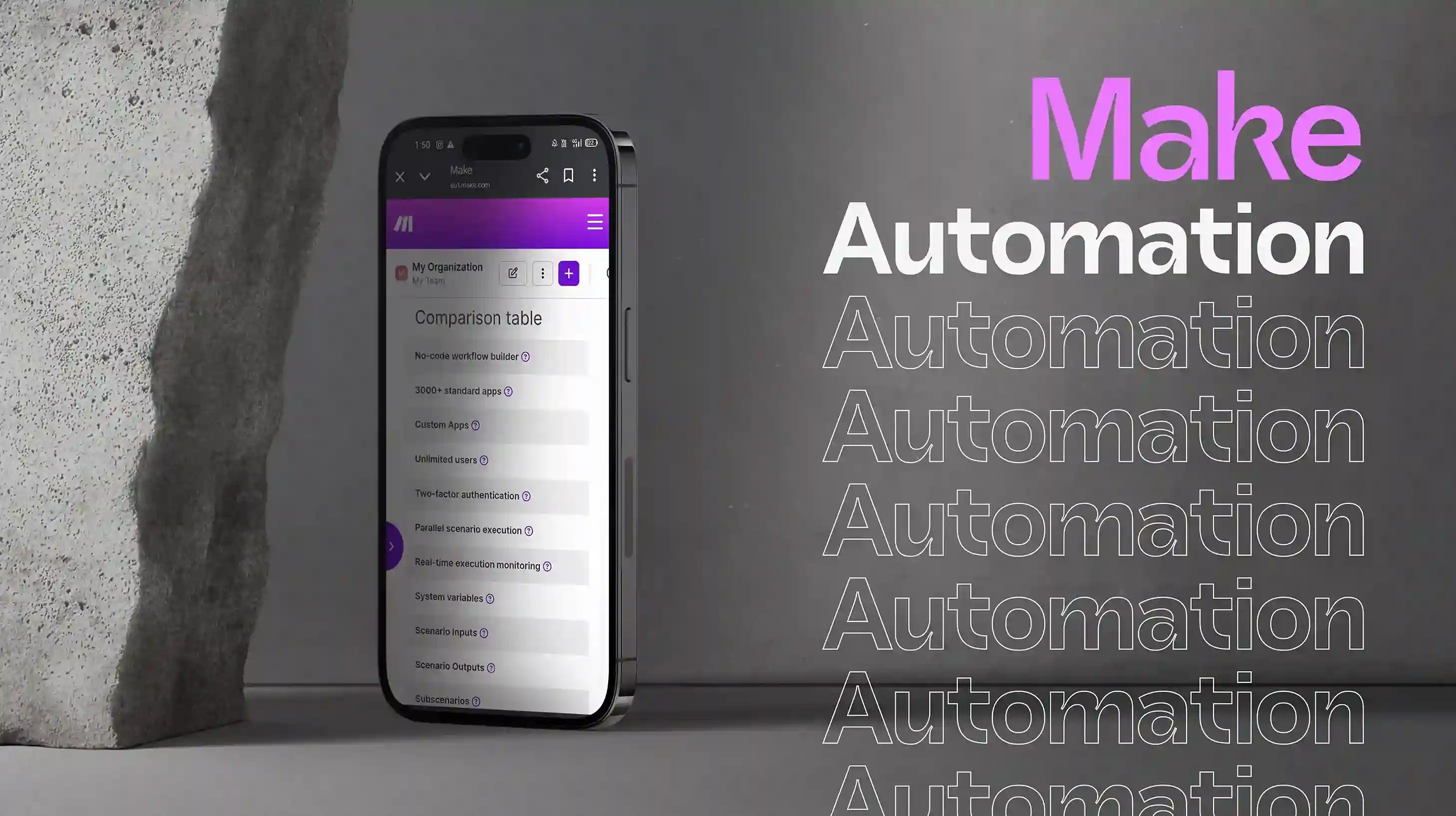
 Make Automation Strategy SessionPlatform Setup & ConfigurationBasic Workflow DevelopmentApp Integrations Basic Data Mapping
 Save to Wishlist


Contact us for a customized quote based on your specific project needs and goals.
 Free video consultation
What's the typical setup time for Make automation implementation?

Simple Make automation takes 5-7 days, while complex multi-system orchestration takes 3-4 weeks. Initial consultation and process mapping happen within 48 hours. Most clients see their first automated workflows running within one week, with full implementation including testing and optimization completed within 2-3 weeks depending on complexity.
How does Make automation handle errors and prevent workflow failures?
Make includes robust error handling catching errors, logging details, triggering notifications, and implementing retry logic automatically. This prevents silent failures and enables quick resolution. We configure custom error management specific to your workflows including fallback actions, alert routing, and detailed error logs ensuring reliability even when integrated systems experience issues.
Can Make automation handle real-time data synchronization across multiple systems?
Yes! Make automation excels at real-time data integration and synchronization across unlimited systems. It monitors for changes, transforms data formats, applies business logic, and updates multiple platforms simultaneously. This capability is crucial for businesses needing accurate, up-to-date information across their entire tech stack without manual intervention or delays.
Is Make automation difficult to use without technical expertise?
Make's visual workflow builder makes complexity manageable—you see your entire workflow at a glance with clear data flow visualization. While more powerful than basic tools, most users become comfortable after initial training. We provide comprehensive documentation and hands-on training so your team can confidently create and modify workflows. Ongoing support is available for complex scenarios.
When should we choose Make automation over simpler tools like Zapier?
Choose Make automation when you need complex multi-step workflows, advanced conditional logic, extensive data transformation, or sophisticated error handling. Make excels at orchestrating processes across dozens of systems with custom business rules that simpler tools can't handle. It's ideal for operations teams managing intricate integrations with unlimited scenarios and no per-workflow pricing.

Sobia S.
Good value for the price, happy overall.
Morgan M.
Excellent service, will definitely recommend.
Eleanor Hayes
We were paying for expensive middleware to transform data between systems. Make automation handles all transformations internally—parsing JSON, manipulating text, performing calculations, and formattin...
Make Automation Strategy SessionPlatform Setup & ConfigurationBasic Workflow DevelopmentApp Integrations Basic Data MappingTesting & Deployment60-Day Support & OptimizationTeam TrainingAPI Connections Monthly Strategy CallSave to WishlistContact us for a customized quote based on your specific project needs and goals.