Home / Blog / Packaging Design and 3D Rendering: Why Brands Preview Packaging Before Print
Discover how 3D packaging renders help brands preview designs, check layout and readability, identify errors before printing, and ensure packaging looks consistent and shelf-ready.
19 Oct, 2026
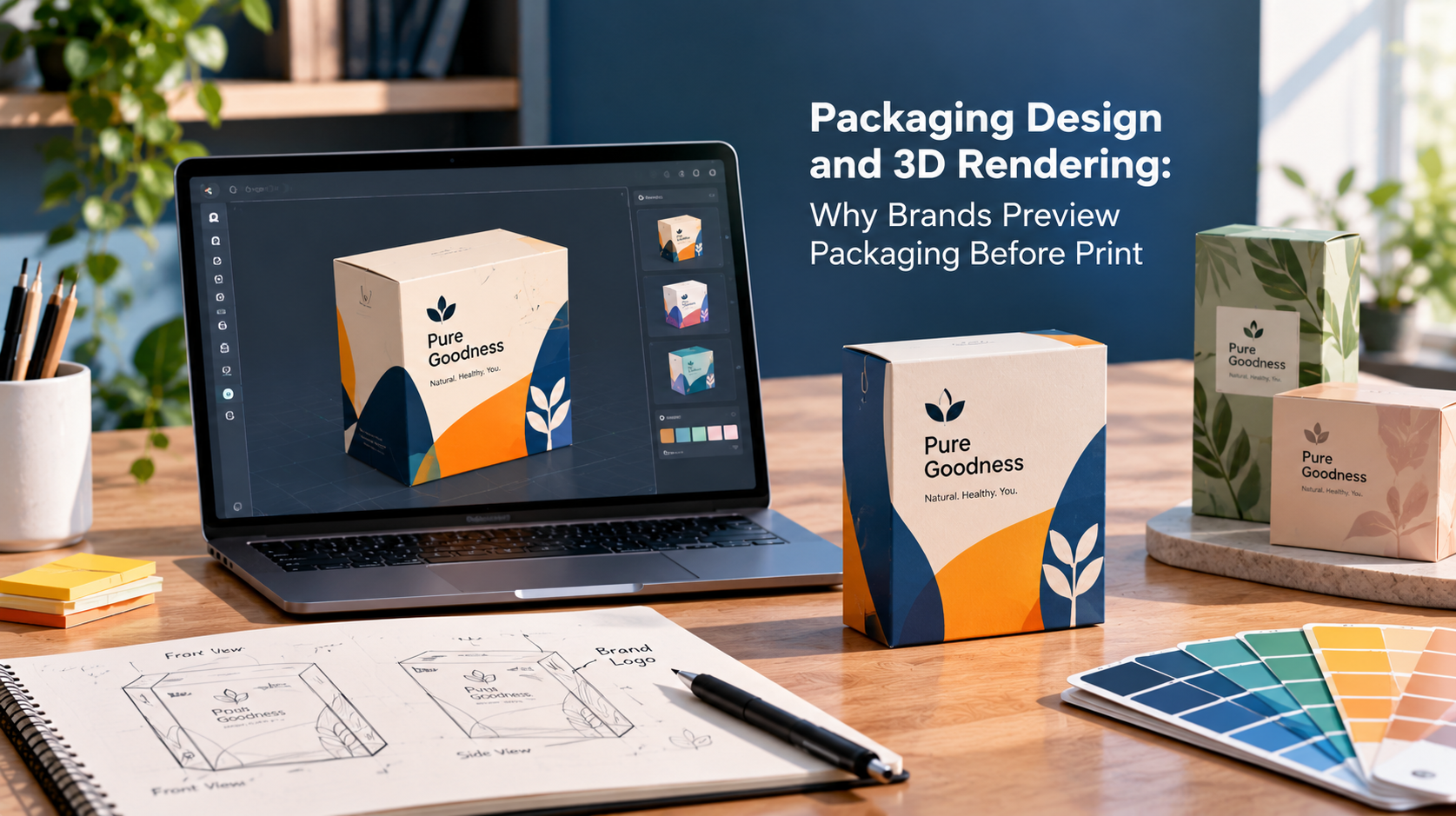
Printing packaging is one of the least forgiving steps in a product launch. A flat artwork file can look correct on screen and still fail once it is folded, glued, and placed on a shelf. That is why many brands use 3D packaging renders to preview a design before anything goes to a printer. A render shows how artwork wraps around a box, bottle, pouch, or label, so problems surface while they are still cheap to fix. This article covers what a preview reveals, what it cannot do, and how to prepare for one.
Packaging artwork is designed on a flat layout, but customers never see it flat. They see panels meeting at edges, curved surfaces, folds, seams, and a product sitting among competitors.
Flat files hide this. A logo placed near a fold can look centred on screen and end up split across two panels. A barcode can sit too close to a seam. Text that reads well in a layout can become awkward on a curved bottle.
A 3D preview puts the design back into its physical context. It answers a simple question before printing: does this look the way we intended once it is a real object?
A good render is more than a nice picture. Used properly, it helps a team check specific things:
Renders are also useful for stakeholders who cannot read a dieline. A founder, a retail buyer or an investor can react to a realistic image far more easily than to a flat layout with fold marks.
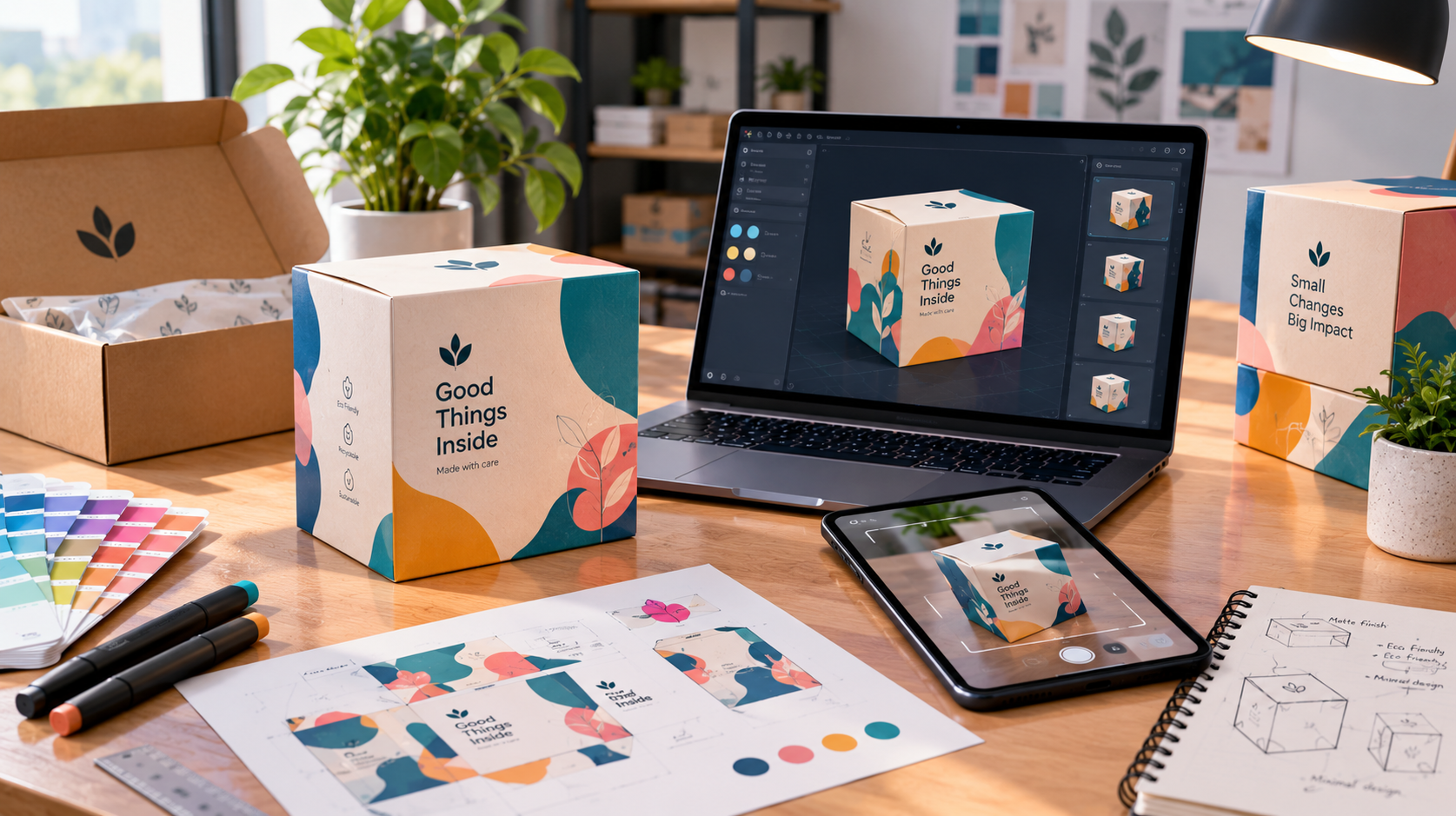
A render is a visualisation, not a printed sample. It does not guarantee how ink, paper stock, coatings, or foils will look under real lighting, and screen colours will not match print exactly. Structural performance, such as whether a carton holds its shape or a lid closes properly, also needs to be checked physically.
For that reason, many teams treat rendering as the step before a physical sample or proof, not a substitute for it. The render narrows the options and catches obvious problems. The printed proof then confirms materials and colour. Whether you need both depends on your product, print run, and risk tolerance.
These are the kinds of issues a 3D review tends to expose early:
Each of these costs far more to fix after a print run than during design. A change at the review stage is an edit to a file. A change after printing can mean reprinting.
Larger brands often preview packaging as a standard step. Smaller businesses sometimes skip it to save time, but the stakes can be higher for them, because one print run may represent a big share of a launch budget.
Previewing is especially worth considering when you are launching a new product, redesigning existing packaging, printing at volume, or presenting to retailers or investors before physical samples exist. If you are rebuilding an existing pack rather than creating one from zero, a render also lets you compare the old and new designs side by side and check that the update still feels recognisable.
Packaging also rarely stands alone. It should match your logo, colours and tone of voice across your website, social media and print materials. 10turtle handles packaging and label design within its Branding & Creative capability, delivered by dedicated specialists and coordinated under one accountable partner, which helps when the pack has to stay consistent with the wider brand.
Getting more out of a preview starts before the render is made.
How does packaging 3D rendering work?
A designer places the finished artwork onto a digital model of the pack, such as a box, bottle or pouch, then adds lighting, materials, and viewing angles. The result is a realistic image or set of views showing how the design looks as a physical object before printing.
Is 3D packaging rendering worth it for a small business?
It can be, particularly for a first launch or a single large print run. Catching a placement or legibility issue before printing is usually cheaper than reprinting. Whether it fits your budget and product depends on the scope, so compare it against the cost of an error.
Can a 3D render replace a printed sample?
No. A render helps you judge layout, hierarchy, and overall look, but it cannot fully predict how paper, ink, coatings, or finishes will appear in real light. Most teams use renders to refine the design, then confirm colour and materials with a physical proof.
What files do I need for a packaging render?
Usually the artwork, the dieline or pack dimensions, brand assets such as logos and colours, and the final text. Having the product format and any required regulatory information ready helps the render reflect the real pack accurately.
Browse
Resources





.png)