Home / Blog / Wix, Squarespace, Webflow, or WordPress: Choosing a Website Design Platform
Compare Wix, Squarespace, Webflow, and WordPress to find the best website platform for your business. Explore their features, pros, cons, costs, and flexibility to choose the right solution for long-term growth.
14 Nov, 2026
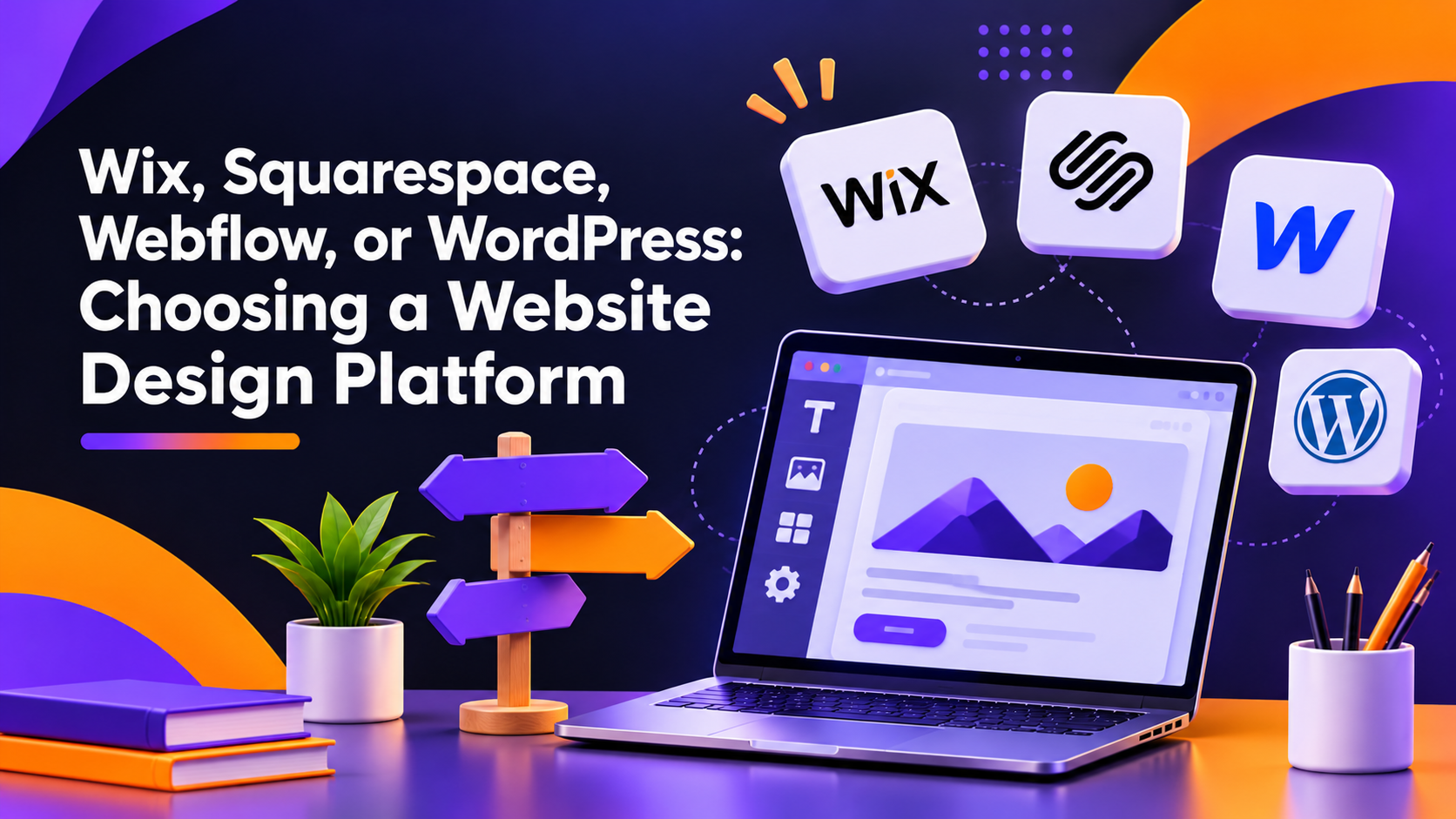
A website platform comparison starts with one question: how much control does your business need over design, content, and future growth? Wix, Squarespace, Webflow and WordPress can all produce a professional site, but they suit different teams, budgets and plans. This guide explains the differences, the pros and cons of each, and which fits which business, so the platform supports your website design for growing businesses instead of limiting it.
Feature lists are less useful than five practical questions. Who will update the site after launch? How much design freedom do you need beyond a template? How will the site handle Arabic and English content? What will it cost to run each year, including hosting, plugins, and maintenance? And how easily could you move to another platform later?
The answers matter more than any platform's marketing page, because the same site can feel effortless or frustrating depending on who manages it.
Wix is a hosted drag-and-drop builder, so hosting, security updates, and the editor come in one package. It works well when a business needs a clear, simple site quickly and non-technical staff will manage it. The trade-off is flexibility: complex layouts, custom integrations, and large content libraries can become awkward over time. If this is your starting point, see how Wix website development works in practice.
Squarespace is also all-in-one, and its templates are known for clean, consistent visual design. That suits portfolios, consultants, and small service businesses where presentation matters more than custom functionality. The limit is the same template structure that makes it easy to use, because heavy customisation is harder. Our overview of Squarespace website design support covers what is realistic.
Webflow gives designers visual control over layout, spacing, and interactions while producing clean code, and it includes a built-in CMS. It is a strong fit for marketing sites where brand expression and page speed matter. Expect a steeper learning curve for your team, and budget for a designer who knows the tool. See Webflow website design solutions for typical use cases.
WordPress is an open-source CMS that you host yourself. Themes, plugins, and custom development allow almost any structure, from a simple company site to a booking system or a large content hub. In exchange, someone must own updates, backups, plugin choices, and security. Business owners weighing this route can review WordPress website development options.
For a UAE audience, a few checks matter before design starts. Confirm how each platform handles right-to-left Arabic layouts and bilingual navigation, since native multilingual support varies and some setups rely on add-ons. Check where the site is hosted and how that affects load times for visitors in the Emirates. If you sell online, verify which payment gateways and tax-invoice options work with your merchant account. These details are easy to confirm early and expensive to fix after launch.
Choose by your situation rather than by popularity:
Also take a realistic two-to-three-year view. A site that is cheap to launch but hard to restructure can cost more than one planned for growth. Our approach to complete website design starts with those requirements before any platform is picked.
It depends on who maintains the site. Wix and Squarespace suit small teams that want a simple, managed setup. WordPress or Webflow suit businesses expecting custom features or heavier content. Match the platform to your team's skills and your two-year plans, not just the cheapest launch cost.
Yes, but it takes work. Content can usually be moved, though design, plugins, and URL structures often need rebuilding, and rankings can dip if redirects are handled badly. Hosted builders are often harder to leave than WordPress, so choosing carefully now can avoid a rebuild later.
Hosted builders bundle hosting and updates into a subscription. WordPress usually involves separate hosting, plugin licences, and maintenance time. Webflow plans vary by site and features. Pricing changes regularly, so check current plans and ask for a full annual estimate.
Browse
Resources